Have you ever seen those black-and-white square patterns at shops and wondered what they do? Those are QR codes, and they’re changing how African businesses get paid. If you own a shop, run a small business, or even sell things at the market, QR Code Payment can help you collect money from customers faster and safer.
No more counting cash for hours. No more worrying about fake notes. With QR code payments, your customers just point their phone at a code, and the money goes straight to your account. More and more businesses across Africa are now using mobile payments. Why? It’s cheap to start, easy to use, and customers love it.
In this guide, I’ll show you everything about QR Code Payment. You’ll learn what it is, how it works, which apps to use, and how to set it up for your business.
What Is QR Code Payment?
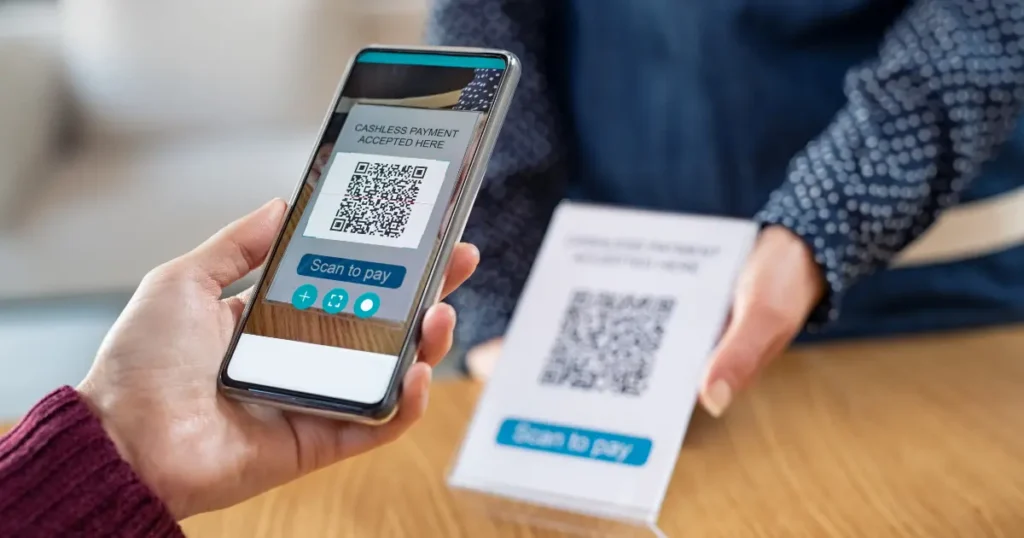
QR Code Payment is when your customer scans a QR code with their phone camera and pays you through their banking app. That’s it. No cash. No cards. Just scan and pay.
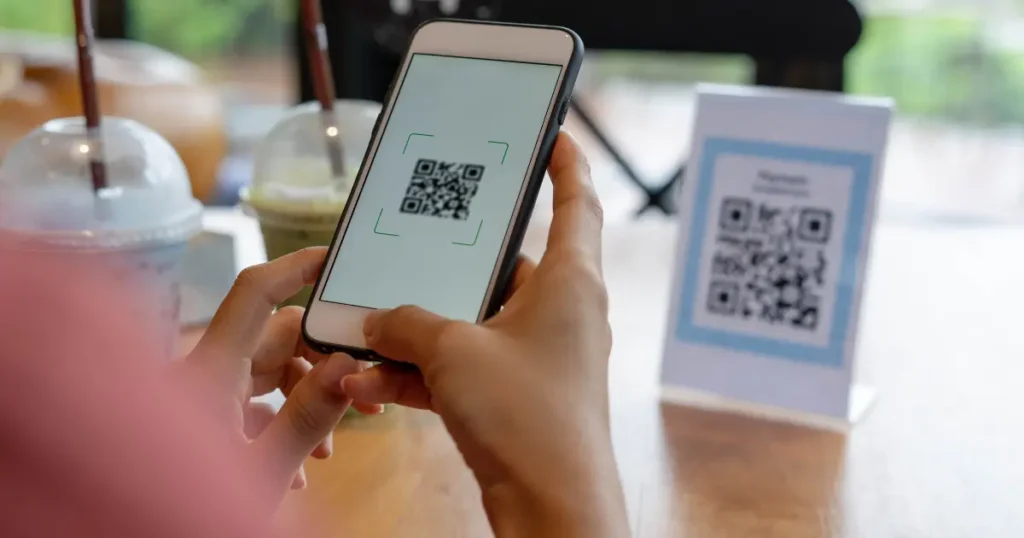
Here’s how it works. You display a QR code at your shop. Your customer opens their mobile banking app (like M-Pesa, OPay, or their bank app), clicks on “Scan to Pay,” points the camera at your code, enters the amount, and confirms with their PIN. Within seconds, you get a notification that the payment has arrived.
The best part is that you don’t need expensive machines like those card readers. Your phone and a printed QR code are enough. About 80% of Africans now have mobile phones, which means most of your customers can already pay this way.
Why QR Code Payment Is Perfect for African BusinessesIt’s Cheap to Start: With QR Code Payment, you can start for free or pay very little. Some apps let you generate your QR code without paying anything. Just download the app, create your business account, and print the code.
Everyone Can Use It: Many people in Africa don’t have bank accounts, but they have mobile money accounts. QR code payments work with mobile wallets like M-Pesa, PalmPay, and OPay. Your customers just need their phone and their mobile money app.
It’s Fast: With QR code payments, the whole thing takes less than 30 seconds. Scan, confirm, done. Both you and your customer get instant notification.
It’s Safer: Carrying cash is risky. With contactless digital payments through QR codes, everything is tracked and encrypted. If there’s a problem, you can reverse the transaction.
It also reduces human error and theft, since payments go straight into your account with no risk of miscounts, missing change, or internal handling issues. Every transaction leaves a digital trail, making it easier to resolve disputes and keep accurate records.
How to Accept QR Code Payment: Simple Steps
Step 1: Pick Your Payment App
Choose which platform fits your business. Consider where you’re located, what customers use, fees, and where you sell. Start with whatever mobile money platform is the biggest in your area.
Step 2: Create Your Account
Registration typically needs your business documents, verification, business info, and linking your bank. The process usually takes 1-3 days.
Step 3: Get Your QR Code
Create your payment code through the app dashboard. Choose between fixed codes (set amount or customer enters amount) or dynamic codes (unique code per sale). Customize with your logo and brand name.
Step 4: Display Your Code
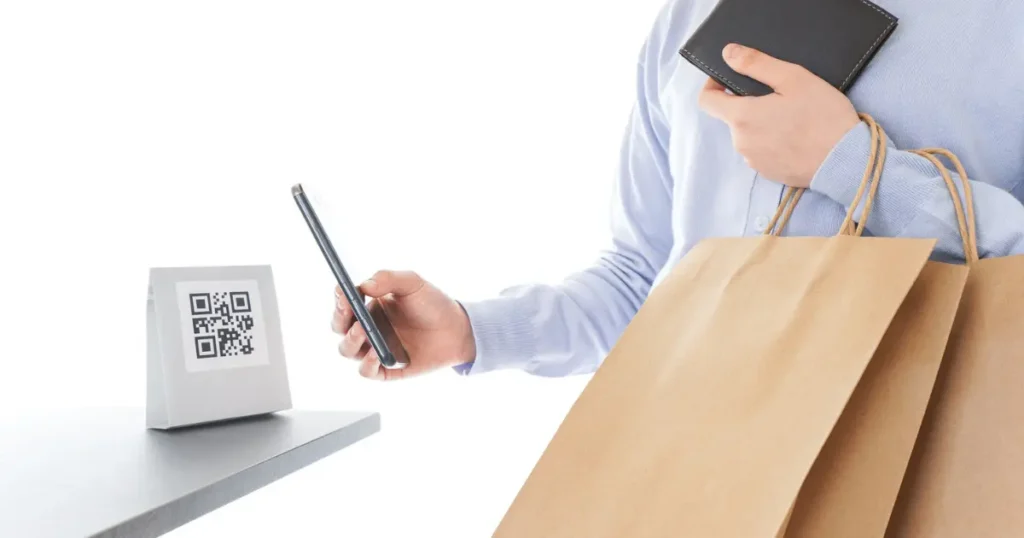
For physical shops, print it and put it at the counter. And for online businesses, put the code on your website checkout and digital invoices. For market vendors, laminate a printed code and stick it on your stall. Make sure your code is at least 5cm x 5cm.
Step 5: Teach Your Staff and Customers
Train your workers to explain the payment process. Make simple instructions near your code:
1) Open banking app
2) Click “Scan to Pay.”
3) Point the camera at the code
4) Check the amount
5) Enter PIN. Be patient at first. Keep accepting cash or digital payments during the transition.
Step 6: Track Your Payments
Check your dashboard regularly. Set up phone notifications. Match your QR payments with total sales. Download reports for your accounting. Watch transaction fees and settlement times.
QR Code Payment Security
Security must be your top priority with any digital payment. When someone pays through QR codes, all their financial information is encrypted.
Good payment platforms (like Remita) use multiple security layers like encrypted connections, tokenization (hiding real credit card details), multi-factor authentication, and constant fraud monitoring.
Security Steps to Take
Verify every transaction through your dashboard. Tell customers that real QR payments never ask them to enter their PIN when receiving money, only when sending. Turn on two-factor authentication on your business account. Watch for suspicious patterns. Keep updating your payment apps and phone system. Put QR codes in well-lit, visible areas where staff can watch them.
Common Risks and How to Avoid Them
- Fake QR codes: Criminals sometimes put fake codes over your real ones. Use tamper-proof stickers and check your codes regularly.
- Phishing scams: Only use codes from official payment apps. Never accept codes from random people.
- Fake payment confirmations: Always check payments through your official app dashboard. Don’t trust customer screenshots alone.
- Public WiFi dangers: Use your mobile data instead of public WiFi for processing payments.
Which QR Code Payment Should You Choose?
- For Kenya and East Africa: M-Pesa is your best bet. Consider adding mVisa later.
- For South African businesses: SnapScan and Netcash Scan to Pay are top choices.
- For multiple African countries: QR Pay Africa’s multi-currency support is perfect.
- For small vendors: Start with whichever app costs least and has the most users in your area.
- For established stores: Consider using multiple QR payment options. Some businesses integrate comprehensive platforms that support multiple payment methods, including QR codes.
Use what your customers already use and like. Ask your customers what they prefer, start with one app, then add more as you grow.
Frequently Asked Questions
Do I pay fees for QR code payments?
Yes, most apps charge 1% to 3.5% per transaction. However, these fees are lower than traditional card machines and come without expensive hardware costs. Always check the fee structure when signing up for a payment solution.
Can customers pay without a smartphone?
Some systems, like mVisa, allow basic phone users to type their merchant ID instead of scanning. However, full QR scanning needs a smartphone with a camera.
How long before money reaches my account?
Most apps notify you instantly when someone pays, but the actual transfer usually takes 1-3 business days. The money sits in your merchant wallet first. For instance, M-Pesa transfers between wallets happen quickly, but settlement times to bank accounts vary. Always ask about settlement times when setting up.
Conclusion
QR Code Payment is changing how African businesses work. From removing expensive payment machines to giving instant confirmations, digital wallets and scan-to-pay systems are making modern business accessible to everyone.
Starting has never been easier. Whether you run a small market stall or manage multiple shops, you can start accepting contactless payments within days. The platforms I’ve shown you are proven solutions that thousands of African businesses trust.
Ready to change how you get paid? Paycape offers complete payment solutions made for African businesses. Our platform works seamlessly with major QR payment systems, giving you one dashboard to manage everything. Visit Paycape today to see how we can help you accept QR Code Payment and grow your business in Africa’s fast-moving digital economy.
Ready to scale your fintech across Africa?
Join Paycape to get discovered, find partners, and stay compliant across West Africa
Join the Waitlist